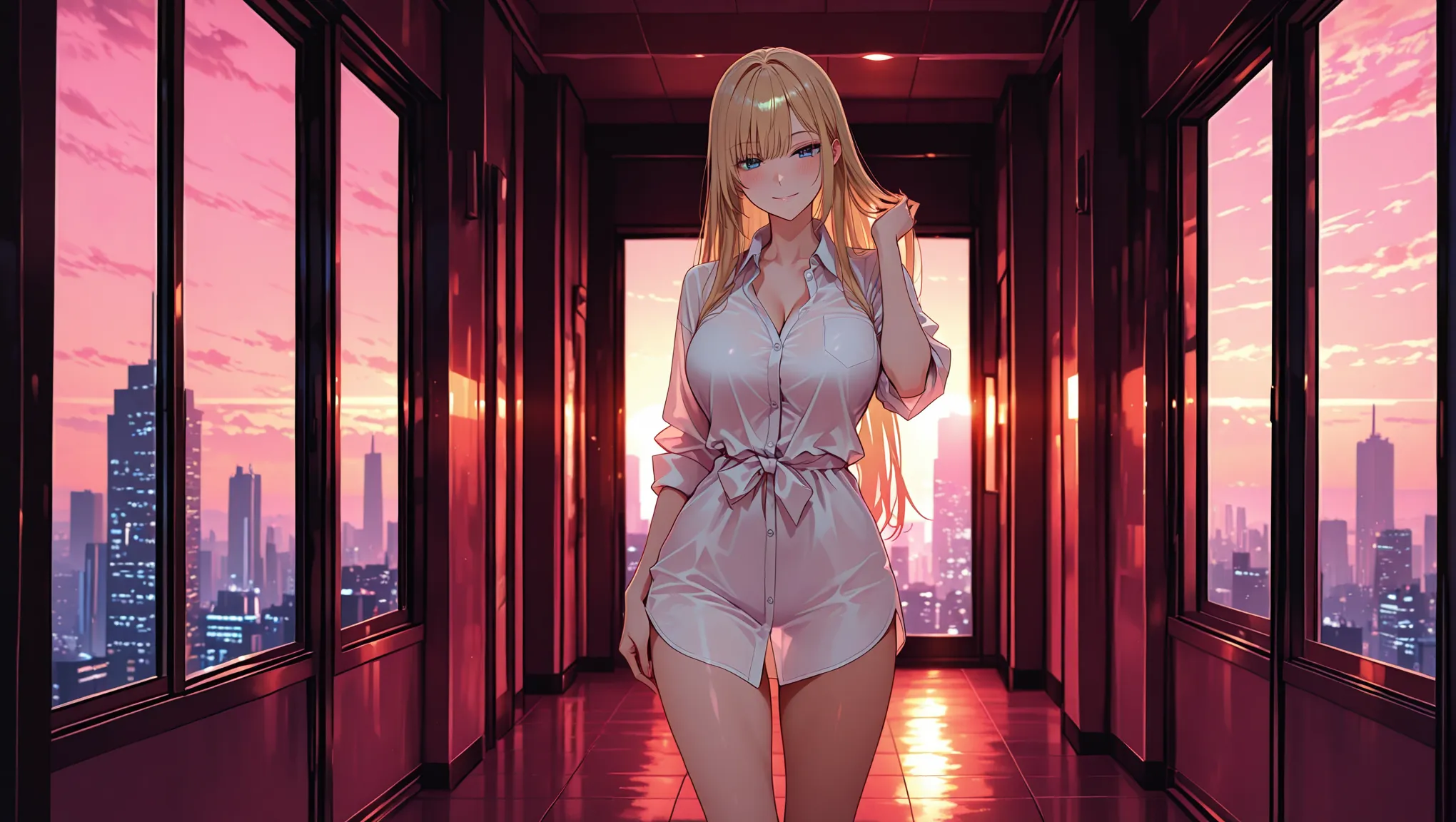
The best Candy AI alternative for image generation is Gensomnia when your priority is making standalone character art from a reference rather than building the scene through companion chat. Pick a fictional adult character, choose from 50+ pose presets, add clothes, location, and style, then generate from one screen. Promptchan, OurDream, SoulGen, and local Stable Diffusion are also strong alternatives for different workflows.
The Short Answer
Choose Gensomnia if the image itself is the product. Candy AI's official site presents a companion-centered experience that combines chat, voice, images, and video. Gensomnia starts with the artwork instead: select or upload a fictional character reference, control the scene with visual presets, and generate a finished image without first building a conversation.
The other leading Candy AI alternatives each serve a distinct intent: Promptchan for prompt and community exploration, OurDream for a multimedia companion, SoulGen for generation plus editing, and local Stable Diffusion for a self-managed production pipeline.
| Option | Workflow Center | Best Match |
|---|---|---|
| Gensomnia | Reference → pose → scene → style | Standalone character art and repeatable visual series |
| Promptchan | Prompt → model/style → remix | Exploration across models and community examples |
| OurDream | Character profile → chat → media | One companion across several interaction formats |
| SoulGen | Prompt/reference → generate → edit | Character portraits followed by canvas changes |
| Local Stable Diffusion | Model → nodes/settings → render | Custom technical pipelines managed on your own machine |
This is a first-party comparison written by the Gensomnia team. We rank Gensomnia first for the specific image-first intent above, not as a claim that every person searching for a Candy AI alternative wants the same kind of product. Workflow facts were checked against each product's official pages on August 24, 2026; we do not invent image-quality scores.
1. Gensomnia: Best for Reference-First Character Art
Gensomnia turns character art into a visual workflow. Start with one of the built-in fictional characters, upload original fictional-character art, or describe a new adult character. The selected reference anchors identity while pose, clothing, location, and render style define the new scene.
The Presets tab is the fastest route: browse 50+ pose cards, then choose clothes, a location, and one of four render styles. Advanced mode adds a free-text scene for creators who already know the exact shot. Aspect ratios and batches of 1, 2, 4, or 8 make it easy to move from one concept to a set of candidates.
This is the clearest switch for someone who used Candy AI mainly for images and now wants to direct the art more deliberately. The reference answers who; the cards answer what, where, and how it should look.
Try the Image-First Alternative
Choose a fictional character, set the scene visually, and generate from one workspace.
Open Gensomnia2. Promptchan: Best for Prompt Exploration
Promptchan is a browser-based image and video generator organized around text prompts, styles, pose controls, and a large community gallery. Its official generator page highlights text-to-image creation, style switching, composition controls, cloning, and remixing existing work.
Choose it when discovery is the main activity: browse an image, inspect the setup, clone it, then modify the prompt or style. That community-led loop helps you find a visual direction.
3. OurDream: Best for Companion Continuity
OurDream is the closest match when the goal is still an AI companion, not a dedicated art workspace. Its official product and help center document character profiles, chat, images, voice, and video. Media extends an ongoing character relationship rather than standing alone as the whole workflow.
Choose OurDream when conversation, memory, and multimedia interaction belong together. Choose an image-first tool when you already have the character and want direct control over a sequence of visual scenes.
4. SoulGen: Best for Generation and Editing
SoulGen combines text-to-image character creation with reference input, editing, and outpainting. The official SoulGen feature page presents a simple create flow alongside tools that add, remove, replace, or extend parts of an image.
That makes SoulGen a natural choice when the job continues after the first render. Generate a portrait, expand the canvas, or revise a region without treating each change as a completely new concept.
5. Local Stable Diffusion: Best for Technical Control
A local Stable Diffusion workflow is the infrastructure option. You choose the model, interface, reference controls, pose controls, sampler and every other part of the pipeline. ComfyUI's official image-to-image guide shows the node-based version of that workflow. It suits creators who want to assemble and maintain their own production environment.
The key decision is whether configuring the system is part of the hobby. If it is, local generation offers a deep creative playground. If the goal is to open a browser and make the next image, a prepared product workflow keeps attention on the art. Our Gensomnia vs Stable Diffusion guide maps the two approaches in detail.
How to Choose a Candy AI Alternative
Do not compare five products with five different tasks. Freeze one character and one scene, then evaluate how naturally each workflow gets you to the intended result.
A Five-Step Candy AI Alternative Test
- 1
Choose the job first
Decide whether you want standalone art, companion chat, prompt exploration, image editing, or a local technical pipeline.
- 2
Use one fictional adult character
Keep the same original character reference or written character brief across every tool. Never test with a real person's likeness.
- 3
Freeze one simple scene
Use one pose, one outfit, one location, and one style so you compare workflows instead of unrelated creative choices.
- 4
Count decisions, not feature badges
Notice how many choices stand between opening the product and receiving an image you would keep.
- 5
Run a second scene with the same character
A follow-up image shows whether the workflow supports the kind of repeatable series you actually want to make.
| If You Want | Start With | Reason |
|---|---|---|
| Character art from a reference | Gensomnia | Reference and visual scene controls share one workspace |
| A gallery-led prompt playground | Promptchan | Clone and remix community setups |
| Chat, memory, and media together | OurDream | The companion profile connects the formats |
| Generate, extend, and revise a canvas | SoulGen | Creation and editing tools live together |
| A custom system you configure yourself | Local Stable Diffusion | The pipeline is assembled around your technical preferences |
Moving to an Image-First Workflow
If Gensomnia matches your intent, the move is straightforward. Bring an original fictional-character image or choose a built-in reference. Open the Pose picker, select a visual direction, add optional clothes and location, then choose a render style. Generate a first image and change one scene variable at a time.
That last habit matters. Keeping the character and pose fixed while changing the location shows exactly what the new choice did. Once the scene works, generate a batch to collect several interpretations without rewriting the setup. The same method powers our reference-based character workflow and 50-pose catalog guide.
Build the First Scene
Start from a fictional character reference and direct the image with visual presets.
Try GensomniaFrequently asked questions
Gensomnia is the best fit for image-first creators who want to start from a fictional character reference, choose pose and scene visually, and build a repeatable art series from one workspace.
Gensomnia is an AI art generator rather than a chat-centered companion. It focuses the workflow on character references, pose, clothes, location, style, and image generation.
Gensomnia is built around references: choose a built-in fictional character, upload original fictional-character art, or describe a new adult character before directing the scene.
Promptchan is a strong fit for prompt-led exploration because its workflow combines style and pose controls with a large gallery of creations that can be cloned and remixed.
Yes. Gensomnia, Promptchan, OurDream, and SoulGen are browser-accessible services. Gensomnia's generator is mobile-first and keeps the character, scene controls, and Generate action on one page.
Choose one workflow goal, then use the same fictional adult character brief and simple scene in every product. Compare the path to a useful result and repeat the test with a second scene.