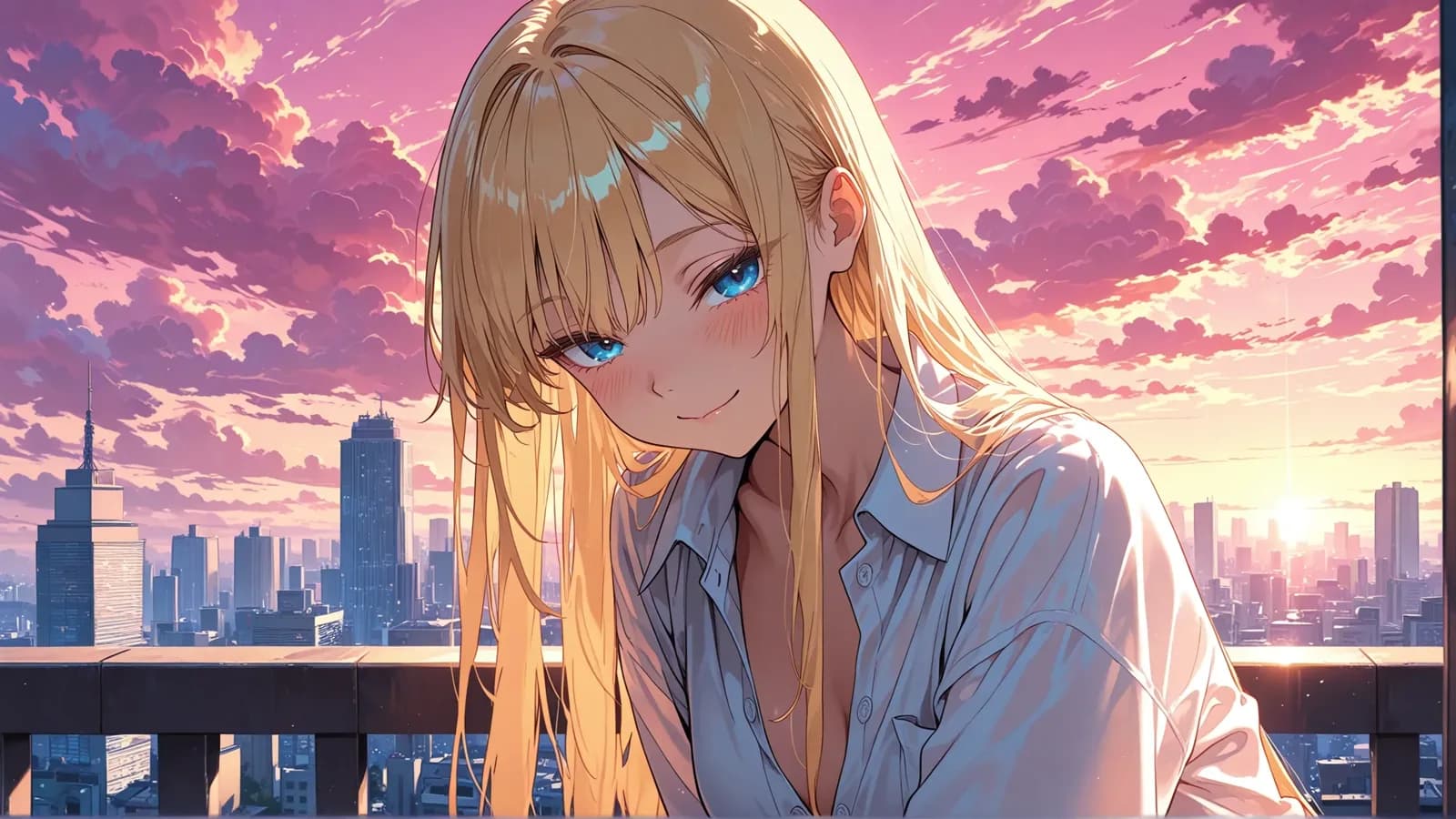
Gensomnia is a browser-based, reference-first AI art generator for fictional and stylized characters. Pick from 200+ characters, upload a permitted fictional reference or describe one, then change the pose, clothes, location and style without rebuilding the character from scratch. It creates images and short video, is free to start and keeps work private by default.
This is a first-party tour written by the team that builds it. It shows the parts we are proud of and names the parts we do not have.
The short answer
Gensomnia is an uncensored AI image generator built around a reference image. You choose a character — from a catalogue of 200+, your own upload, or a text description — then set pose, clothes, location and render style from preset cards, and generate. Identity comes from the reference rather than from adjectives, which is why the same character comes back in scene after scene. A frame usually takes 10–15 seconds, and nothing is public unless you publish it yourself.
Reference first: the inversion that makes it work
In a prompt-first tool a character is a pile of adjectives, and every re-roll reinterprets them: change the outfit and the face drifts, because you never described a person, you described a probability cloud.
Gensomnia attaches identity to an image instead. The reference is the anchor, the preset fields describe the situation around it, and the mechanics are here if you want the detail. The practical consequence is what matters — you stop negotiating with the model about who this is.
Three ways to bring a character
The catalogue. 200+ fictional references, with new additions every day, spanning illustrated, cartoon, comic and realistic looks. Each card carries a usage counter, so you can see what other people actually generate with instead of guessing.
Your own image. Upload an original character, a portrait you generated elsewhere, a commission, your own drawing. It becomes an identity you can reuse exactly like a catalogue entry — the reference checklist covers what makes an upload work.
A written description. No image at hand? Describe the character — hair, eyes, build, clothing — and the generator builds the identity from your text, then keeps it.
Four styles over one character
Style is a separate axis from identity, which means one reference can be rendered four different ways without becoming a different person. The four are semi-realistic, anime, cartoon and comics, and the community leans heavily toward the first one.
| Style | Badge in the app | Uses | What it does to a reference |
|---|---|---|---|
| Semi-Realistic | Best Quality | 32.5k | Keeps skin texture, soft light and facial structure closest to the reference |
| Comics | Bold & Sharp | 12.8k | Adds ink lines and high-contrast shading; strong silhouettes, less subtlety |
| Cartoon | Fun & Playful | 9.3k | Simplifies shapes and brightens palette; expression reads louder than detail |
| Anime | Iconic Style | 6.1k | Flattens shading and stylizes the eyes; the most recognizable, the least literal |
The trade-off is honest and worth knowing before you pick: the further a style sits from photorealism, the more of your reference it reinterprets. Semi-realistic preserves the most; anime takes the most liberties. Our style comparison guide walks through which subjects each one flatters.
Scenes that look built, not sampled
A generator can put your character on a grey gradient and call it a portrait. The 50+ location presets here are written as actual places — a balcony over a city at sunset, a hotel room with practical lamps, a beach at golden hour — and they arrive with depth, light direction and background detail that belongs to the scene rather than sitting behind it. That is the difference between a frame from something and a sticker, and it is why the same character in five locations reads as a set.
Uncensored, with two hard lines
The generator does not argue with you. There is no refusal message, no silent prompt rewriting, no list of words that quietly neuters a request. If you have spent time fighting a mainstream tool's filter — watching it sanitize a scene it decided you should not have — that friction is simply absent here.
Two rules are absolute and enforced, and they are not filter theatre — they are the boundary of the product:
- No real people. No photographs of actual persons, no celebrities, no lookalikes. Fictional and stylized characters only.
- Nothing involving minors. No exceptions and no stylized ambiguity.
Both live in the Acceptable Use Policy. Everything inside those lines is yours to make.
The workspace
Two modes share one screen. Presets is four cards — pose, clothes, location, style — and only pose is required. Advanced swaps the cards for a 1,000-character prompt box with @-mentions for your references and a Suggest button when you need a starting point.
PRO and ULTRA accounts add batches of 1, 2, 4 or 8 — the fastest route to a keeper is four variants rather than one perfect prompt — plus five aspect ratios and a 500-character negative prompt. Finished work lands in a history panel beside the form, so you are never pulled away from what you are building, and any frame you like can be turned into a 5-second 720p clip.
Private by default
Your work is private by default. Nothing is shared to the public Explore feed unless you deliberately publish that image. The Privacy Policy is the binding description of how data is handled.
Who it fits, and who it does not
A good fit if you want one character across many scenes, prefer picking from cards over writing prompt syntax, want a style you can choose rather than coax, or work from a phone browser.
A bad fit if you need inpainting or control nets — a broken hand means re-rolling the frame rather than patching it. There is also no model training: consistency comes from a reference, which is instant but weaker than a trained character over dozens of frames — our own 6-scene benchmark scored 47 out of 60, with one scene that failed outright.
The product is free to start, so you can test the reference-first workflow on your own brief before deciding whether it fits.
PRO, ULTRA and Credits
PRO and ULTRA both unlock image and video generation, character uploads and advanced settings. ULTRA includes more credits, more parallel generations and more eligible image credit refunds. Images and videos spend the same balance: the advertised counts are alternatives, and you can mix both formats.
Annual plans include regular credit grants and a separate one-time purchase bonus. Active members can add credit packs without changing their plan. See Pricing for current prices, allowances and billing terms.
Product capabilities last verified 24 August 2026; plan information checked 27 September 2026.
Frequently asked questions
A browser-based, uncensored AI image generator built around a reference image. You pick or upload a character reference, set pose, clothes, location and style, and generate. Identity comes from the image rather than from a text description.
Yes. There are no prompt refusals and no silent rewriting of your request. Two rules are absolute: no real people and nothing involving minors.
No. The default mode is four preset cards — pose, clothes, location and style — and only pose is required. A 1,000-character prompt box is there in Advanced mode if you want it.
A catalogue of 200+ fictional references that grows every day, plus your own uploads or text-described characters. There are 50+ pose, clothes and location presets, and four render styles: semi-realistic, anime, cartoon and comics.
Yes — with PRO or ULTRA, upload an original character, artwork, or a portrait generated elsewhere, and it works exactly like a catalogue reference. Photographs of real people are not allowed.
Yes. Your work is private by default, and nothing is shared to the public Explore feed unless you deliberately publish that image.
Pick a character and build a scene
One reference, four cards, a finished frame in about a dozen seconds.
Open the generator